What is my IP?
This is what every website you visit can see about you right now. Connect to PD-Proxy and reload the page — your IP and location will change to our server's.
Detecting
| Country | – |
|---|---|
| Region / City | – |
| ISP / Organisation | – |
| IP time zone | – |
| Browser time zone | – |
What your browser reveals
WebRTC leak test
WebRTC lets browsers make calls, but it can reveal your real IP address even behind a VPN. Run the test while connected to the VPN: if you see an IP here that is not the VPN server's, you have a leak. Learn how to fix it in our leak test guide.
Secure password generator
Generated locally in your browser with the Web Crypto API — nothing is sent anywhere.
What is an IP address?
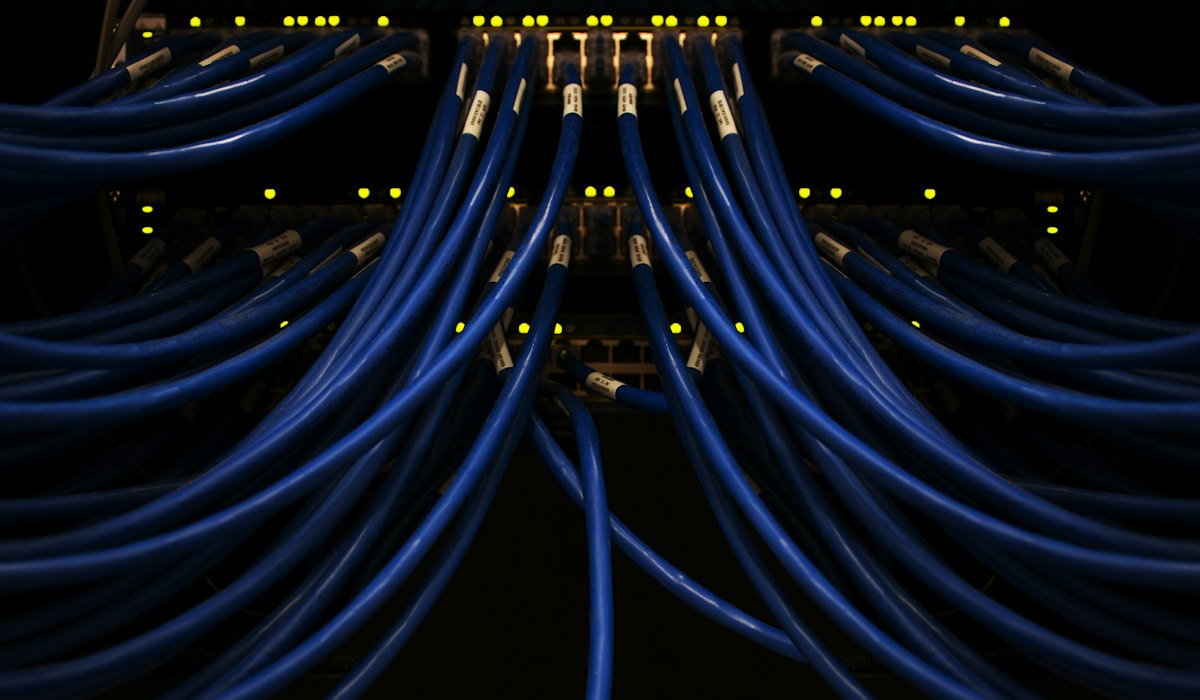
Every device connected to the public Internet is assigned a unique number known as an Internet Protocol (IP) address. IPv4 addresses consist of four numbers separated by periods (a “dotted quad”) and look something like 127.0.0.1; newer IPv6 addresses are longer and written in hexadecimal, like 2001:db8::1.
An IP address is used to identify devices and let them communicate across networks. It is best compared to a mailing address: just as a letter cannot be delivered without an address, information cannot be sent or received by devices without one.
Since these numbers are usually assigned to internet service providers in region-based blocks, an IP address can often be used to identify the region, city or even the ISP a computer is connecting from. That is why websites can show you local ads, block content by country or build a profile of your visits.
When you connect to PD-Proxy, websites see the address of our VPN server instead — your real IP and location stay private. Learn why you should use a VPN.